20+
Tutorials
Video Tutorials
Free video tutorials on eLearning development, instructional design, graphic design, and creative tools from our team of professionals.
Tutorials
Total Views
Always Free
Weekly Uploads
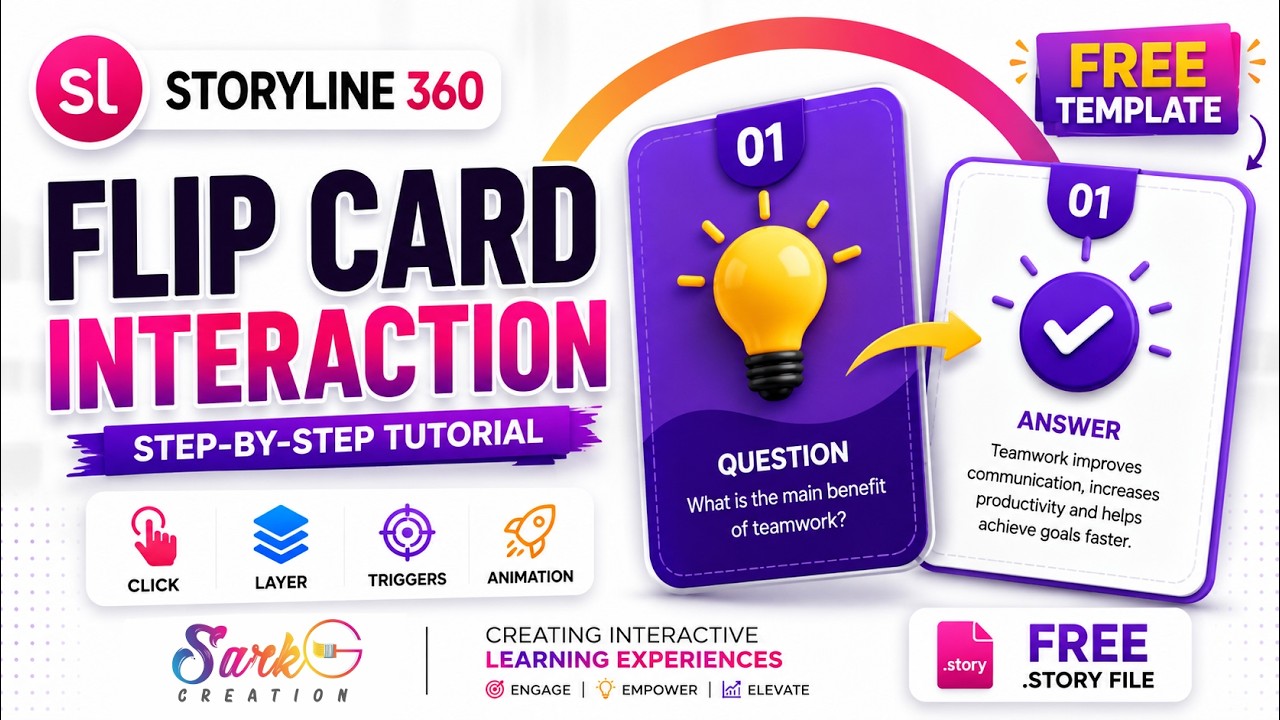
Want to create modern, interactive flip card animations in Articulate Storyline 360?
 2:24
2:24
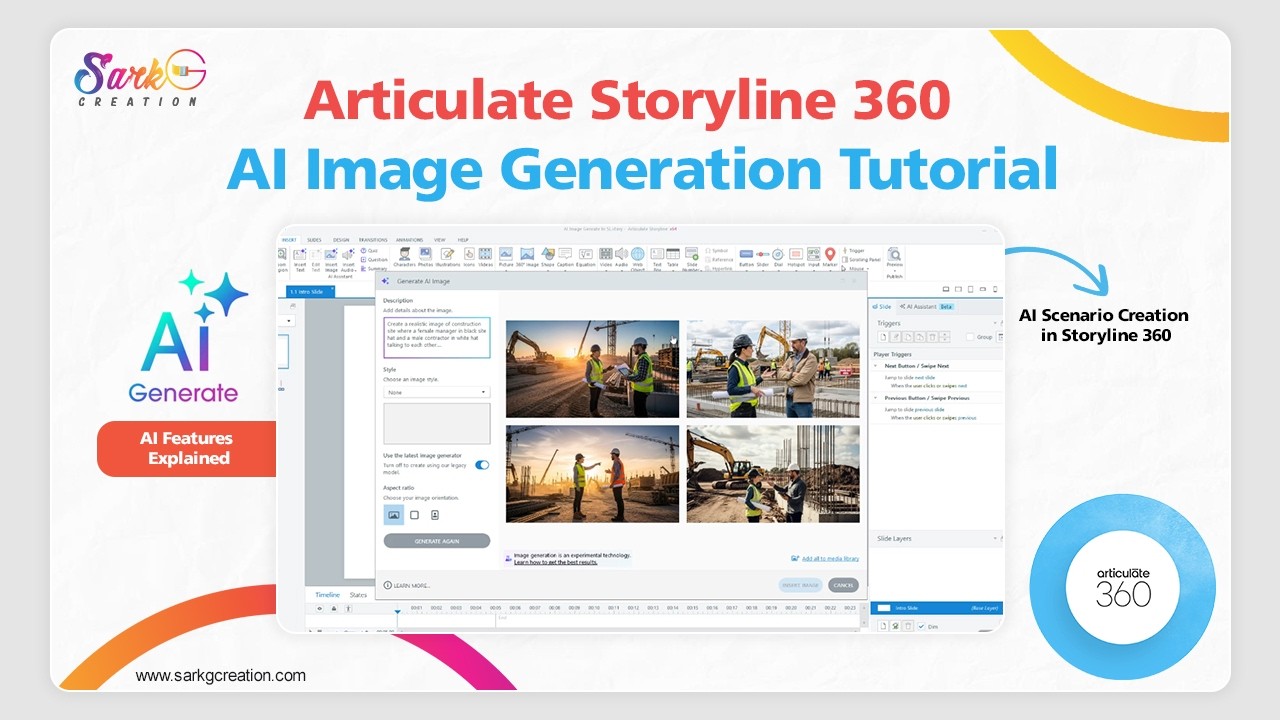
AI voice generation, custom scenarios, background music prompts, and workflow tips for faster eLearning development.
 1:42
1:42
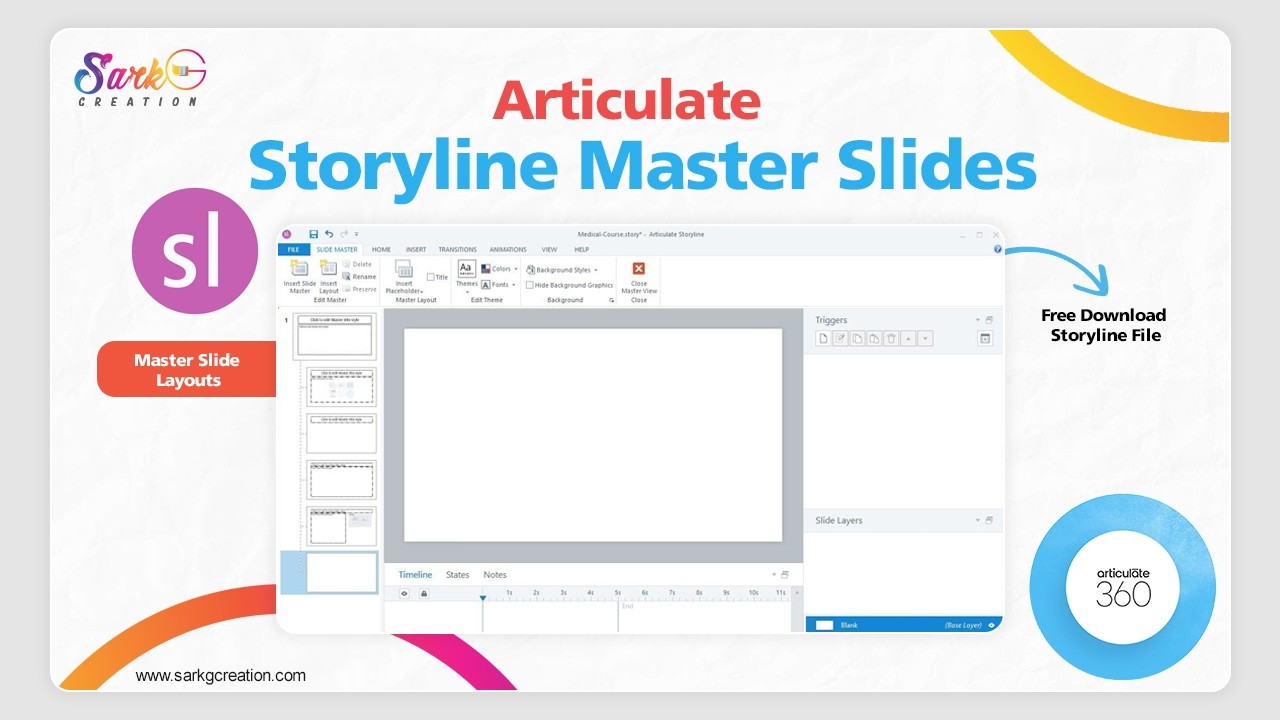
You’ll learn how to customize layouts, apply branding, manage placeholders, and save development time using Slide Masters.
 0:50
0:50
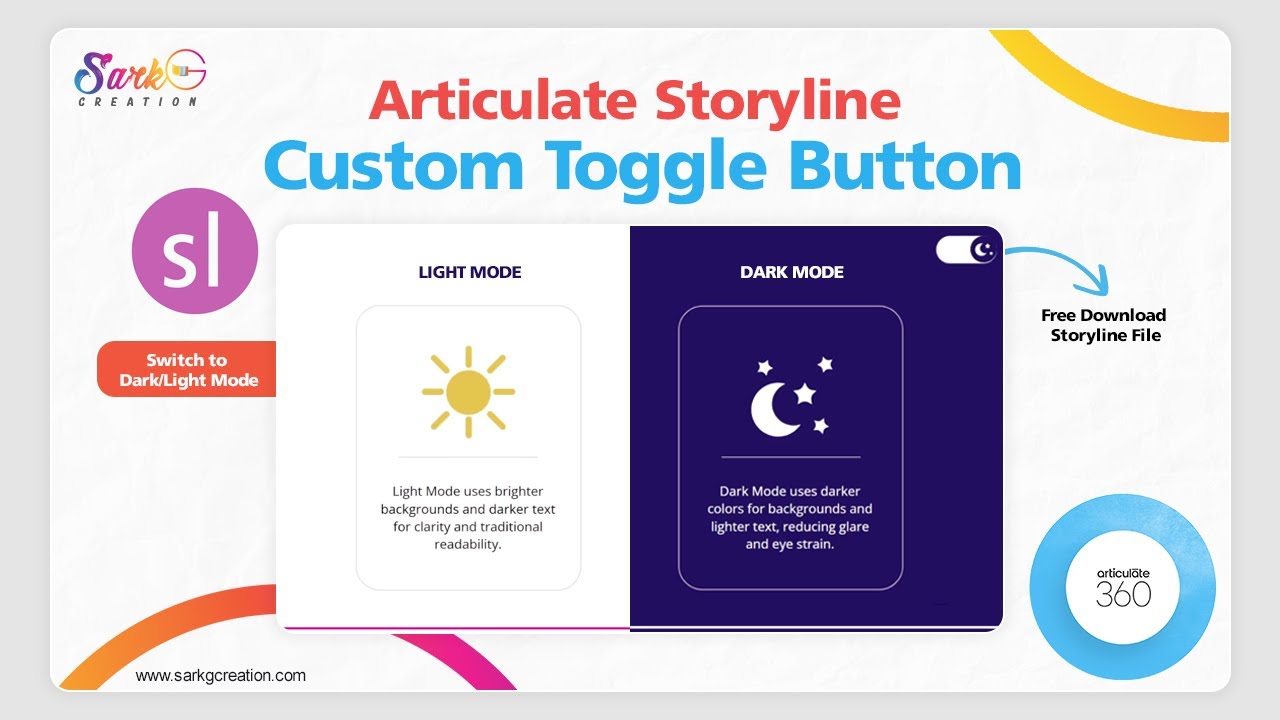
This video showcases how a clean, modern ON/OFF toggle button works using states, triggers, and variables.
 9:16
9:16
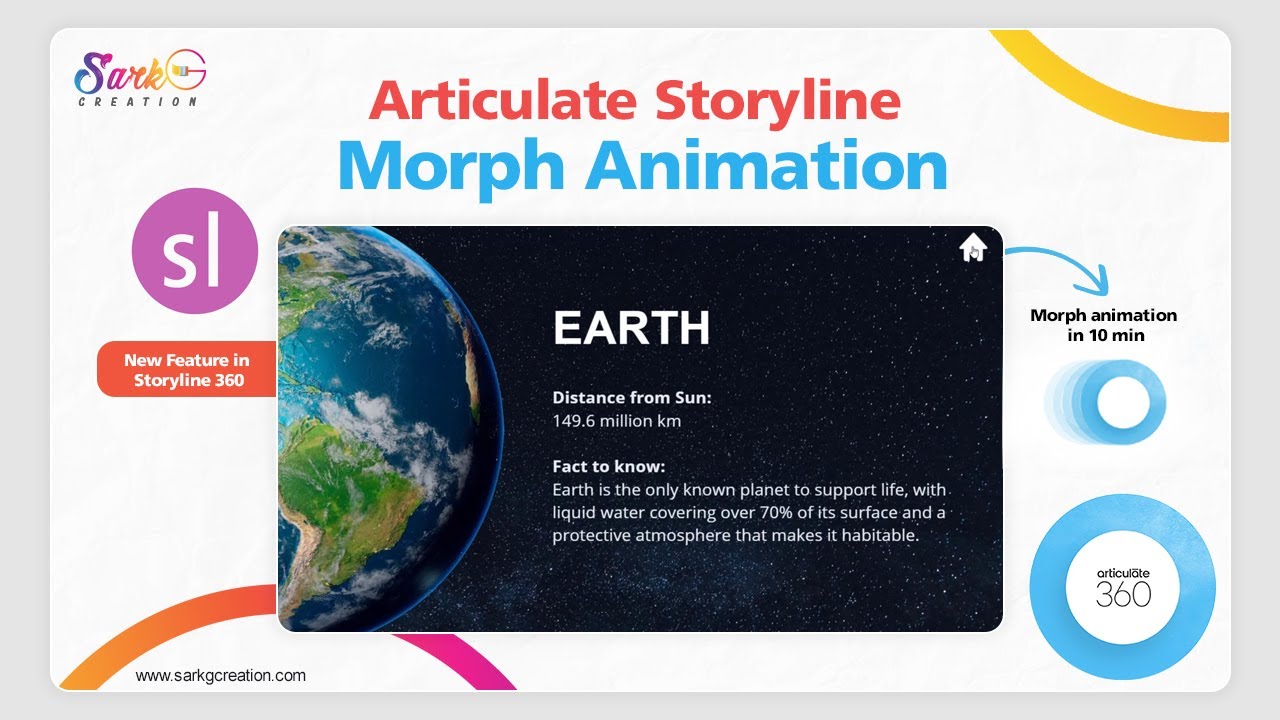
How to make Morph Animations in Articulate Storyline 360 — the perfect way to bring your slides and objects to life!
 6:24
6:24
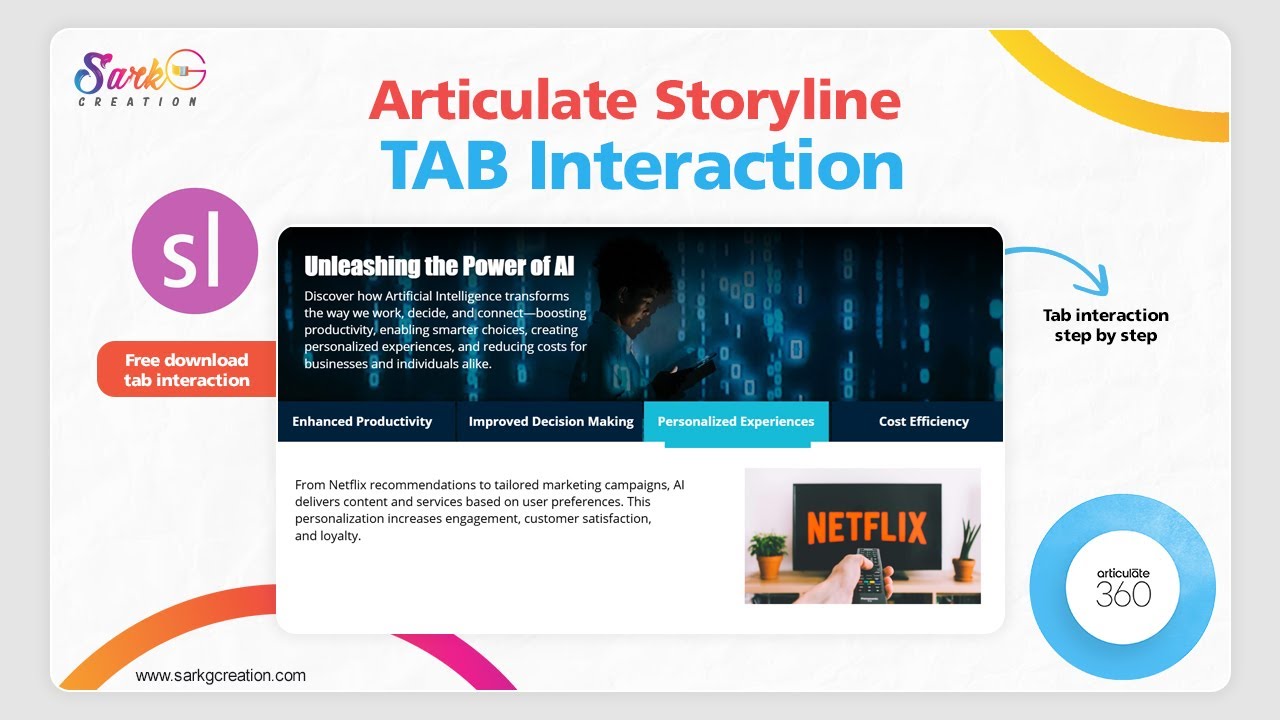
Step-by-step creation process – from layout to triggers. Tabs interactions are a perfect way to let learners explore content at their own pace while keeping the design clean and user-friendly.
 1:52
1:52
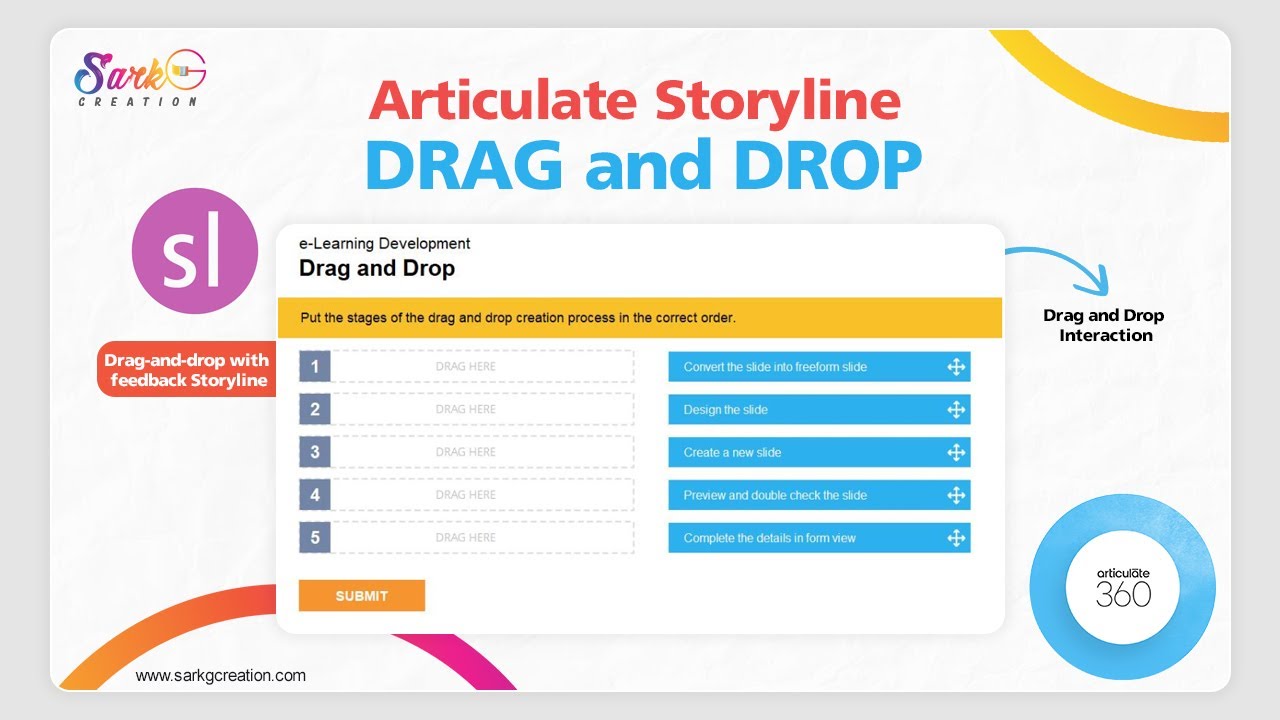
In this step-by-step tutorial, you’ll learn how to create a custom drag-and-drop interaction from scratch — perfect for quizzes, eLearning modules, and gamified learning experiences.
 4:13
4:13
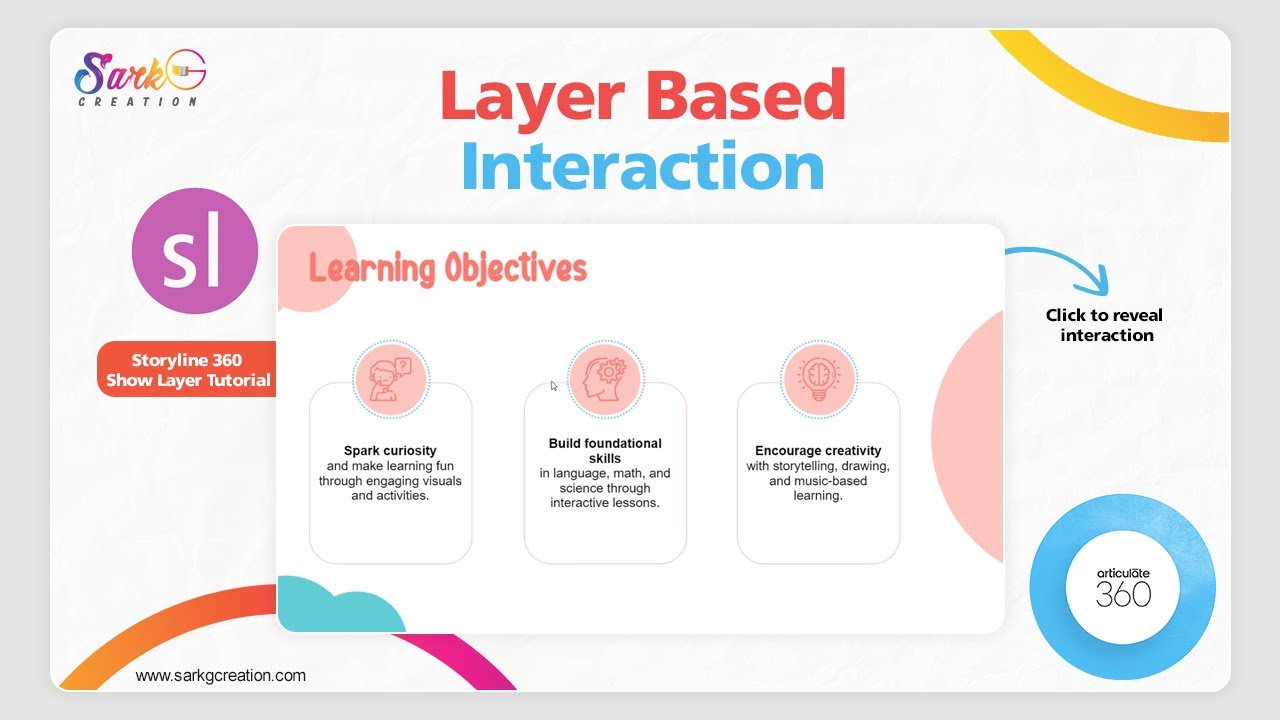
Learn how to create interactive slides using show layer triigers — perfect for popups, click-to-reveal, and more!
 4:59
4:59
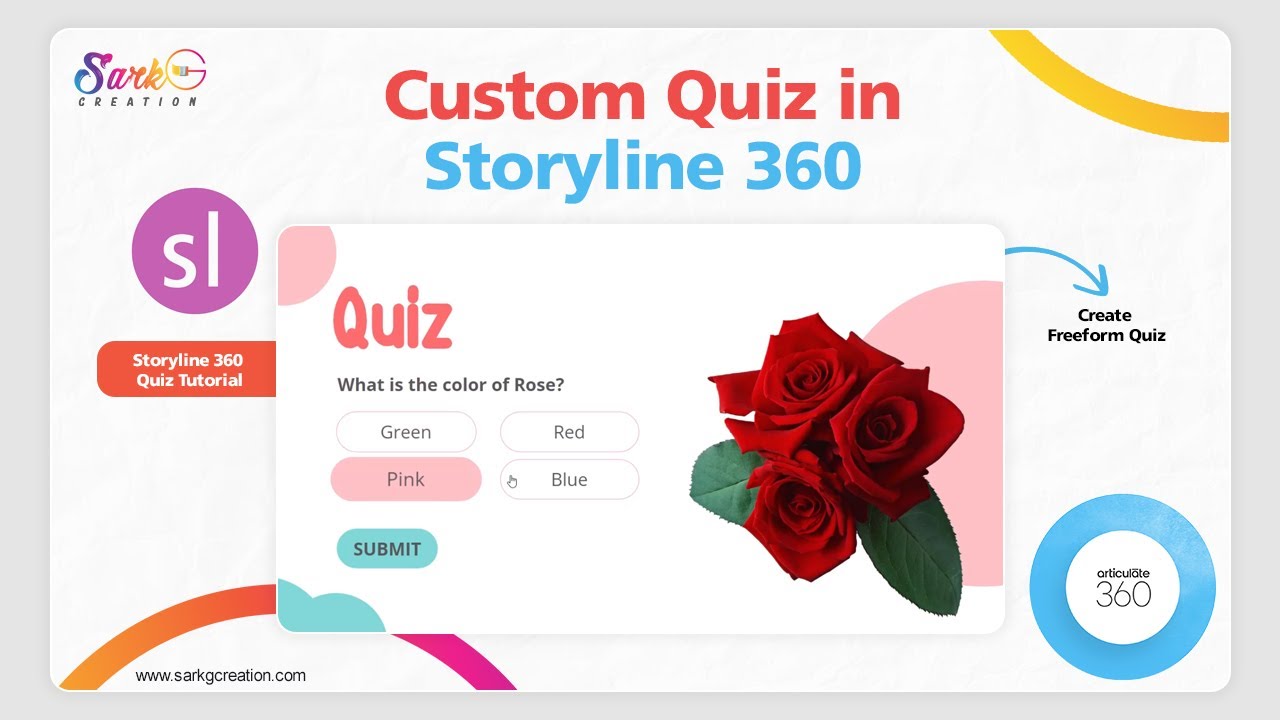
We’ll walk you through the process of designing a fully customized quiz in Articulate Storyline 360 — from layout design and interactive triggers to custom feedback layers.
 2:35
2:35
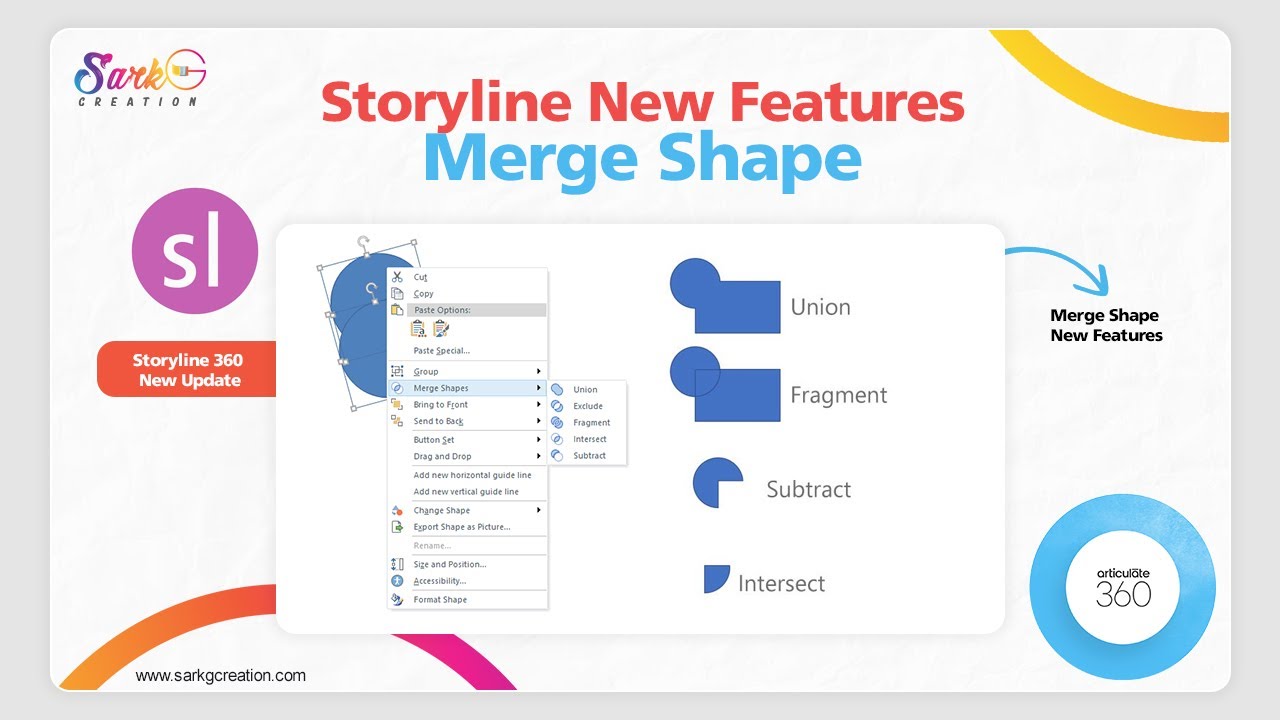
Exploring the brand-new Merge Shapes feature in Articulate Storyline 360 and using the Merge Shapes effect to recreate a clean, modern cover slide for your eLearning course.
 6:38
6:38
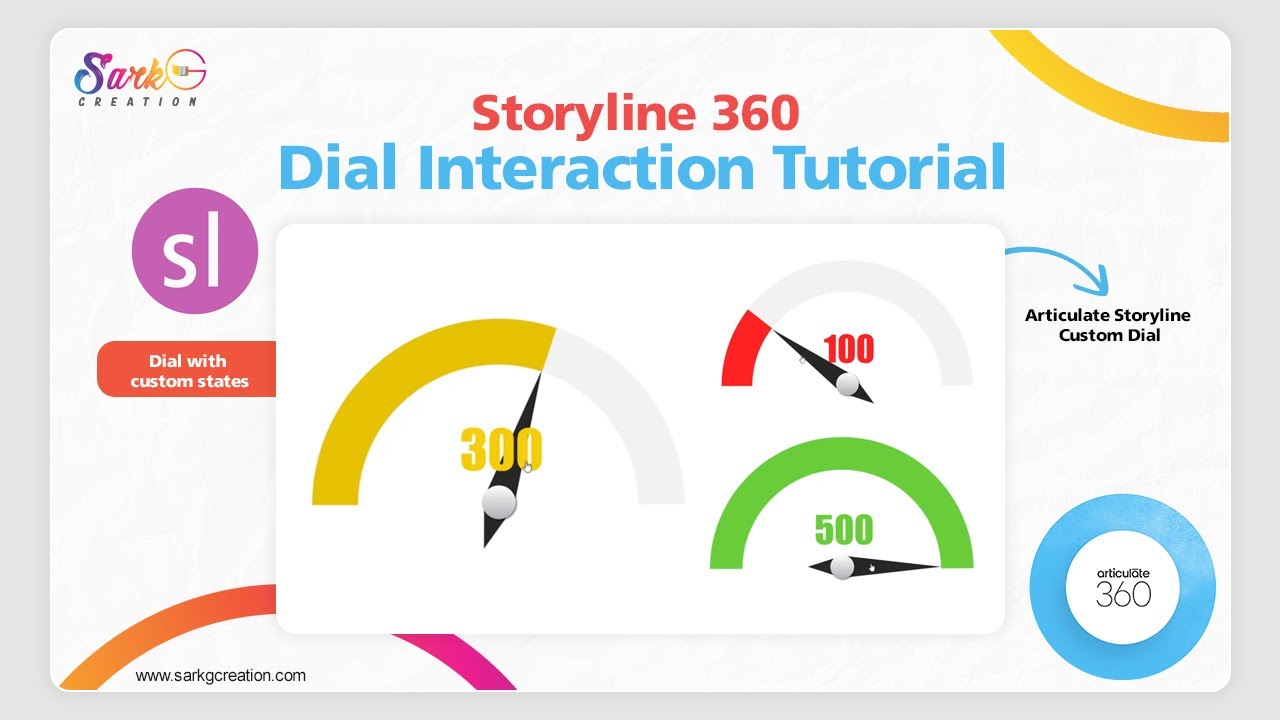
Learn how to create engaging and interactive dial interactions in Articulate Storyline 360 step by step!
 1:01
1:01
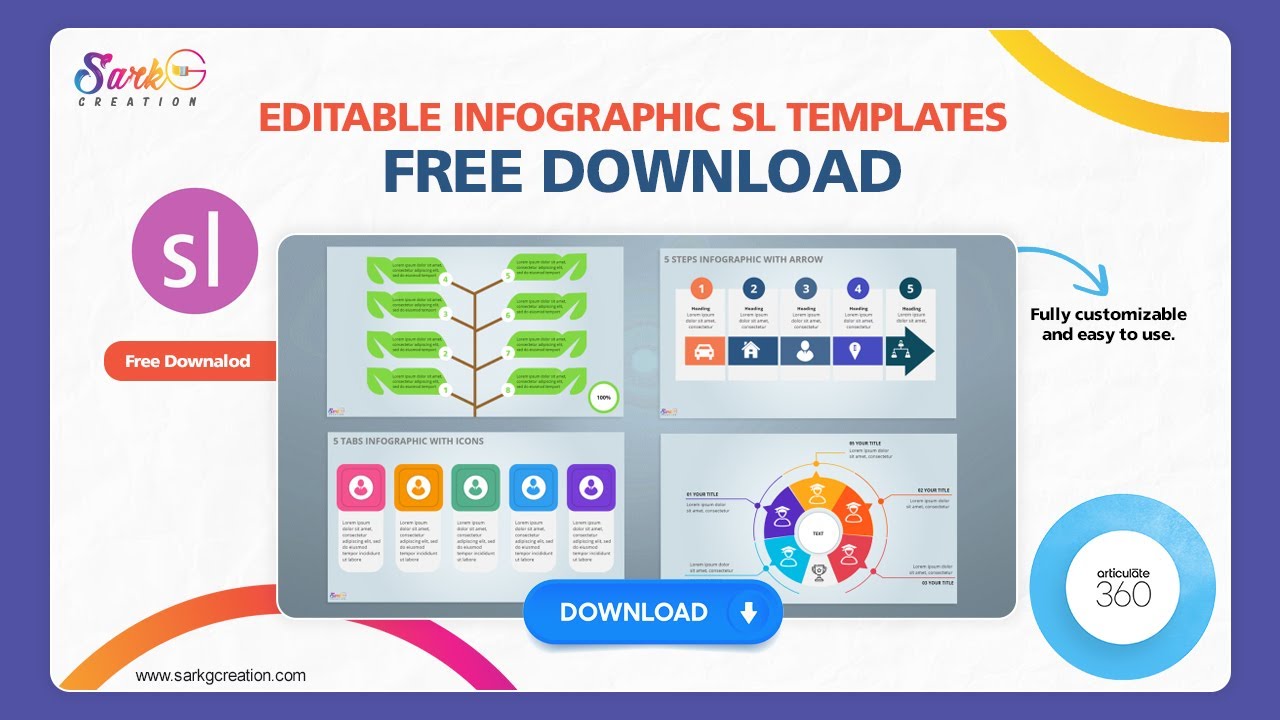
Learn how to create visually stunning eLearning slides using animated infographic templates and free Storyline resources.
 1:16
1:16
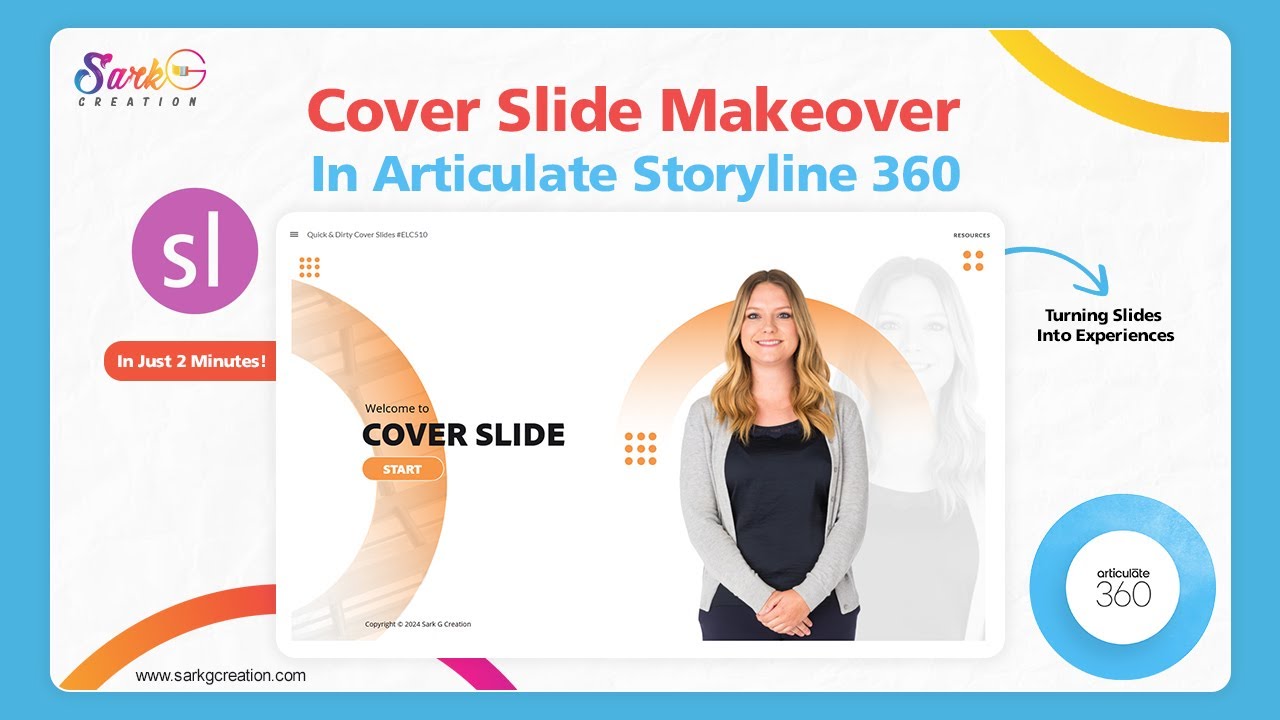
In this video, We took a dull and uninspiring cover slide and transformed it into an engaging, visually appealing introduction — all in under 2 minutes!
 1:15
1:15
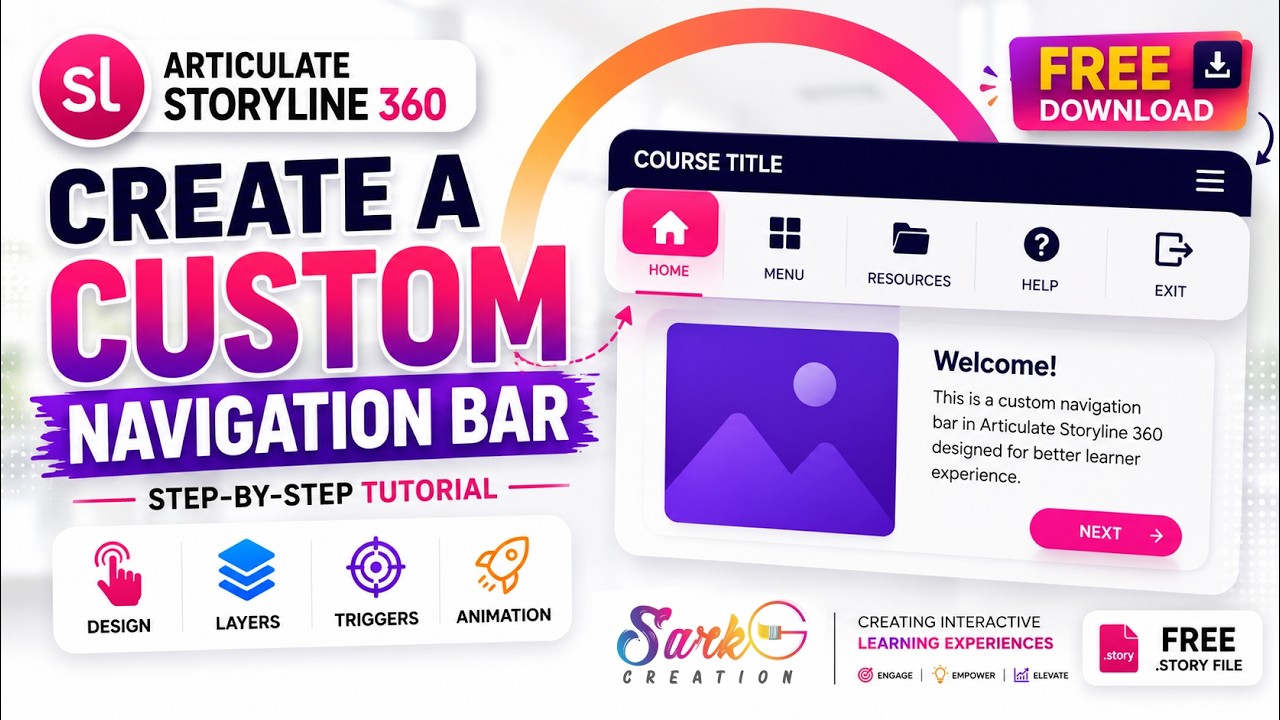
Step-by-step process to build custom buttons, control slide navigation, and create a clean, modern UI that fits your course design perfectly. Whether you're building eLearning modules, corporate training, or client projects, this method gives you complete creative control.
 0:43
0:43
This Interactive Tab Slide Template for Articulate Storyline 360 helps you organize information in an engaging, learner-friendly format.
 2:22
2:22
In this , you'll get to know how to use variables in Articulate Storyline by building a simple multilingual elearning courses.
 2:06
2:06
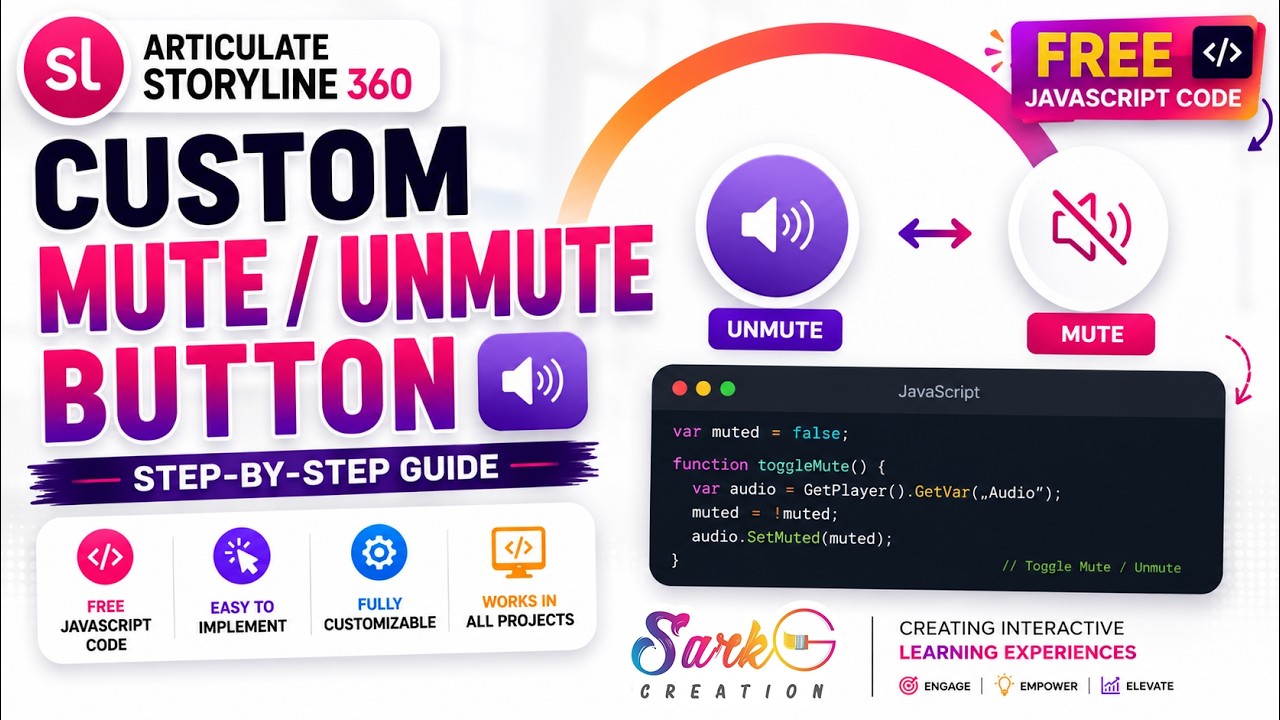
In this, you'll learn how to build a fully functional custom audio control button in articulate storyline using javascript.
 2:07
2:07
Storyline 360's built-in screen recording feature makes it simple to capture high-quality recordings and turn them into engaging learning experiences.
 1:41
1:41
Professional fullscreen button to your Storyline 360 course, giving learners a better and more immersive experience.
 3:04
3:04
Whether you're building a course, quiz, or scenario-based learning, this simple technique will boost learner engagement and bring your slides to life!
 4:07
4:07
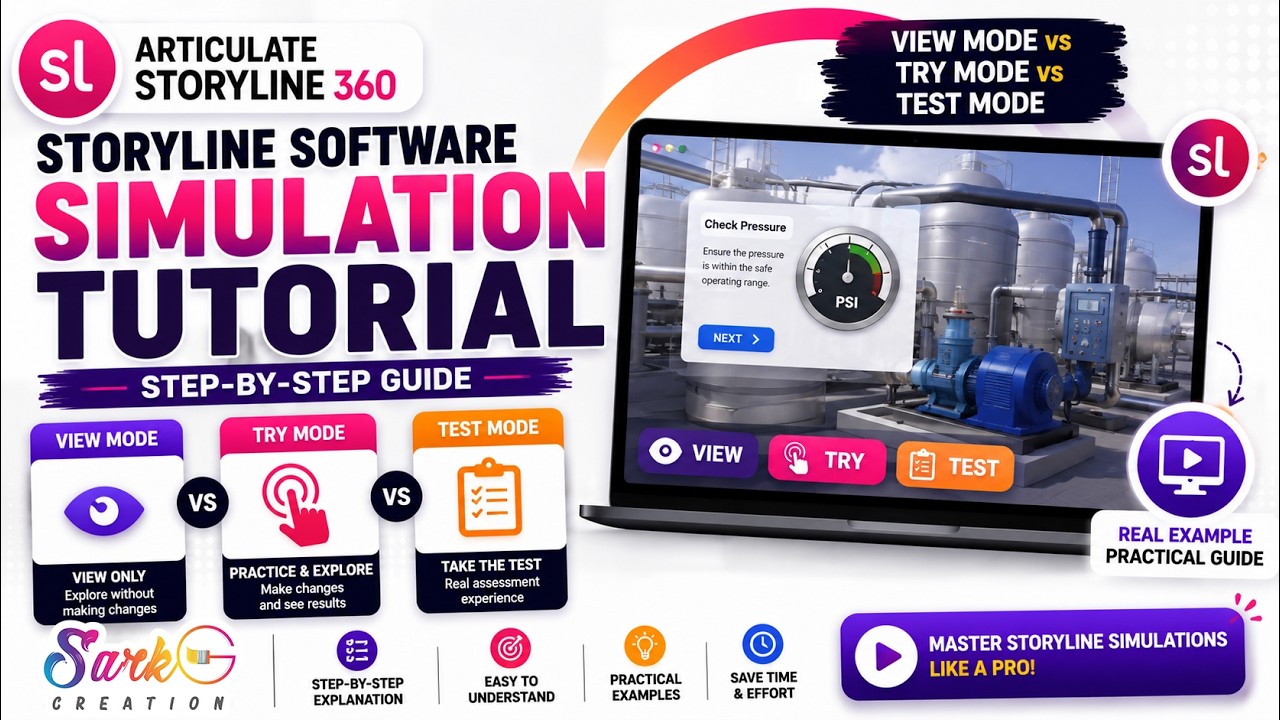
n this tutorial, you'll learn how to create professional #softwaresimulations using View Mode, Try Mode, and Test Mode. We'll explore the differences between each simulation mode, learn when to use them, and customize screen recordings for engaging eLearning courses.
 2:00
2:00
In this tutorial, you'll learn how to change the default invalid quiz message and create a professional custom popup that matches your course branding.
 1:12
1:12
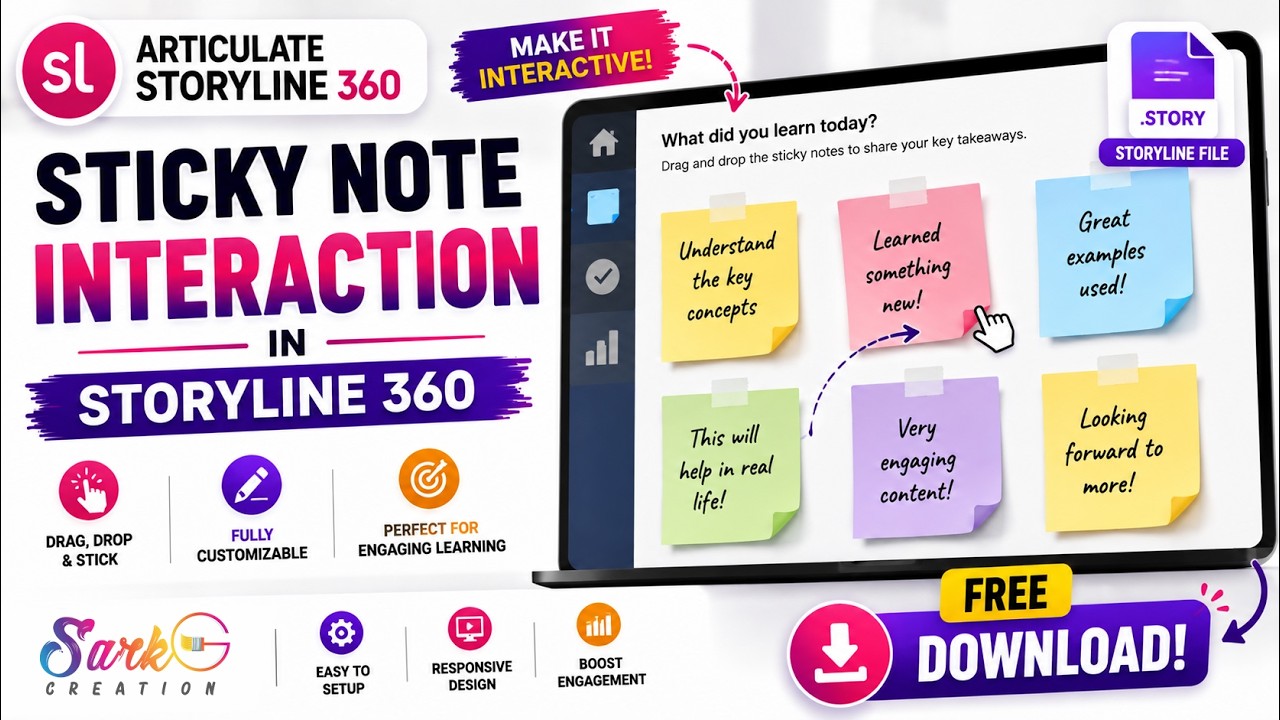
In this tutorial, you'll learn how to build an engaging click-to-reveal interaction using sticky cards that can be used for process explanations, key takeaways, product features, learning summaries, and more.
 2:15
2:15
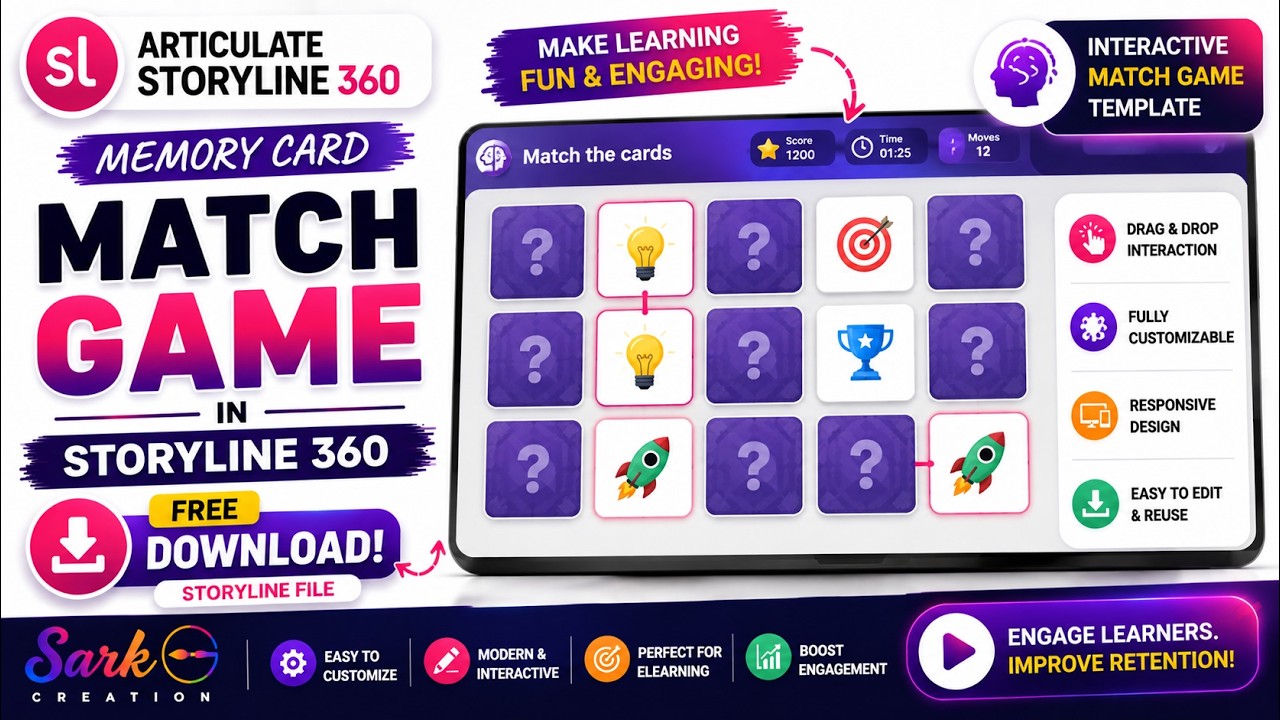
In this tutorial, we'll show you how to build the complete memory matching interaction using only States, Triggers, Conditions, Layers, and Animations.
 3:27
3:27
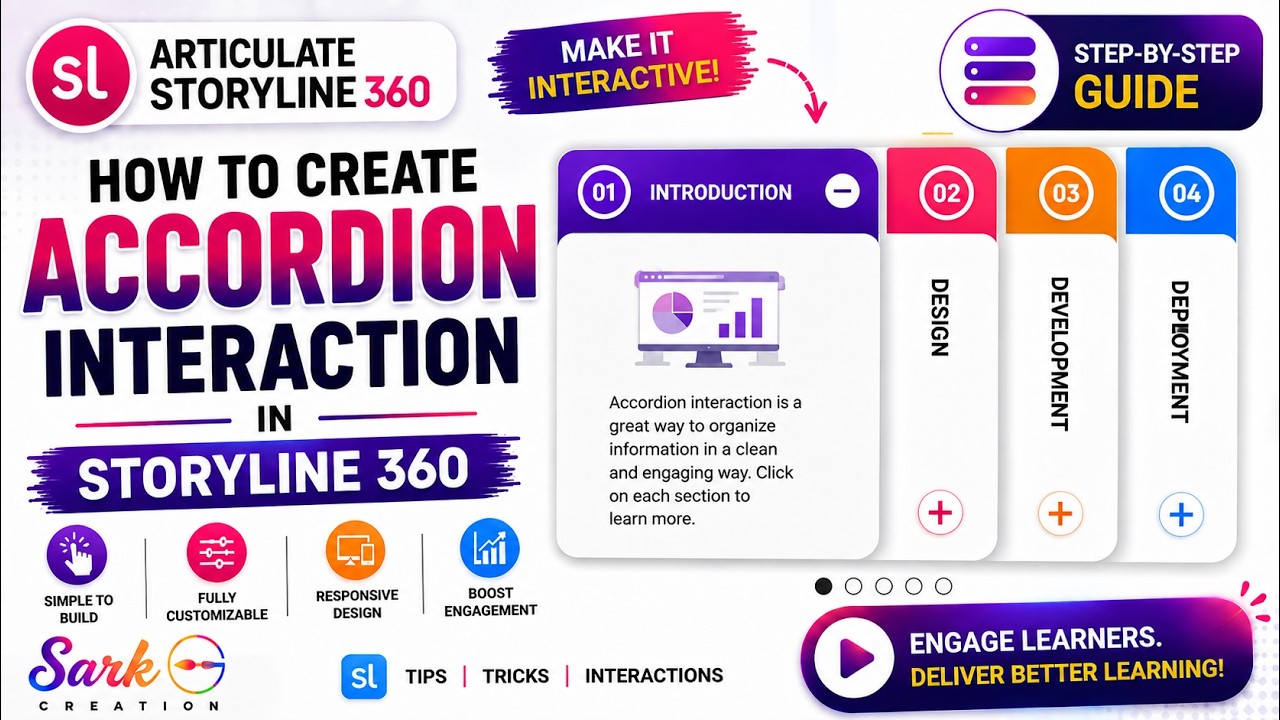
We’ll create the accordion from scratch and add smooth Open & Close animations, control layer navigation with True/False variables, pause and resume timelines, and create seamless transitions between accordion tabs.
 4:36
4:36
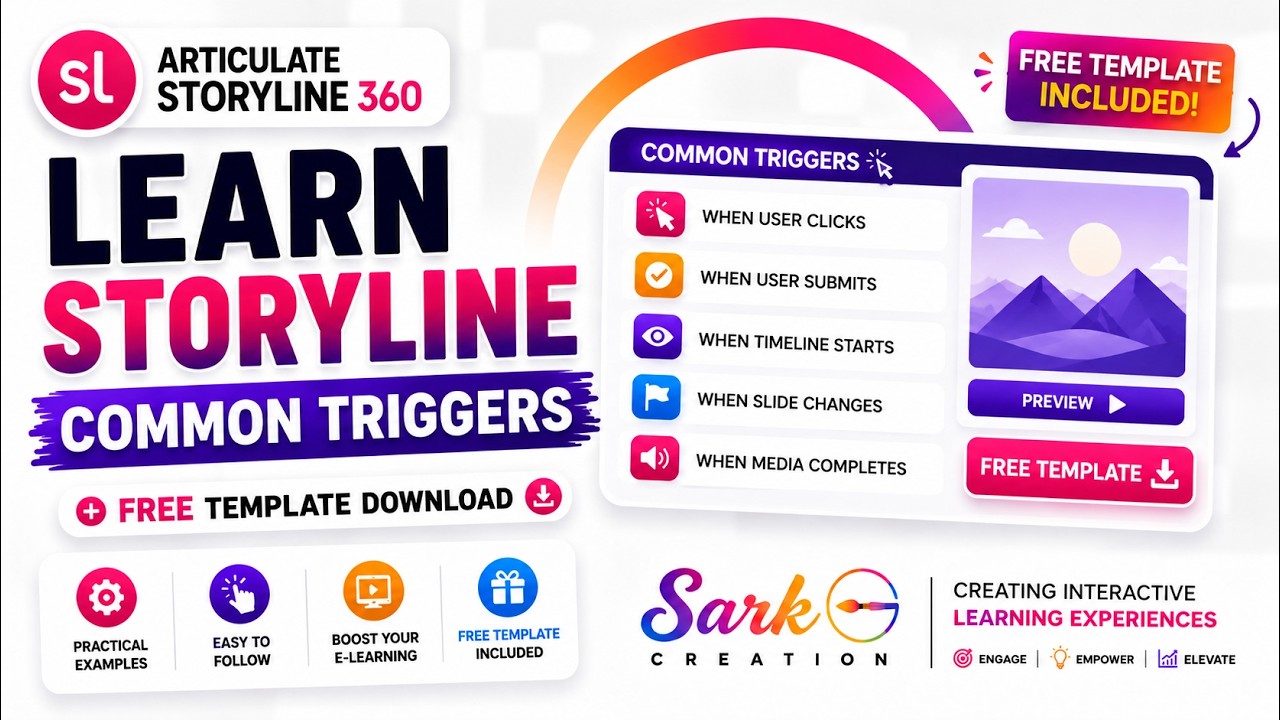
Learn the most commonly used triggers in articulate storyline 360 and see how they can make your elearning courses more interactive and engaging.
Put our expertise to work for your organization. We build learning experiences your audience will actually complete.