
The Requirement
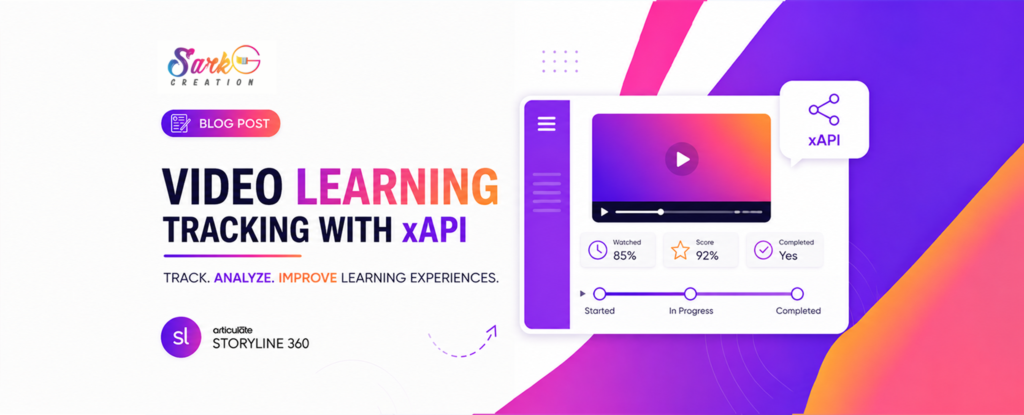
A client wanted more than just course completion data. They needed to track how far learners progressed through a course, allowing administrators to identify engagement levels before completion. Standard SCORM reporting couldn’t provide this level of insight, so we turned to xAPI.
Key Takeaways
- xAPI enables tracking of custom learner interactions.
- Progress milestones can be recorded at any stage of a course.
- Custom xAPI statements provide richer analytics than traditional SCORM.
- Meaningful reporting starts with well-planned tracking events.
The true value of xAPI lies in tracking the learner’s journey—not just the finish line.
Implementation Blueprint
Step-1 Define Progress Milestones
We first identified the milestones that needed tracking, such as 25%, 50%, 75%, and 100% course completion. Each milestone would generate its own xAPI statement.
Step-2 Capture Video Progress
The first step was to monitor the learner’s video progress in real time. We used JavaScript to calculate the percentage of the video watched and continuously stored the value in a Storyline variable.
var player = GetPlayer();
var video = document.querySelector("video");

if (video) {
    video.addEventListener("timeupdate", function () {
        if (video.duration > 0) {
            var percent = ((video.currentTime / video.duration) * 100).toFixed(2);
            player.SetVar("VideoProgressPercent", percent);
        }
    });
}
Step-3 Create a Custom xAPI Statement
For every milestone, we configured a custom xAPI statement. For example, when a learner reached 25% progress, the course sent the following statement:
{
  "verb": {
    "id": "https://w3id.org/xapi/dod-isd/verbs/reached",
    "display": {
      "en-US": "Completed - 25%"
    }
  },
  "object": {
    "objectType": "Activity",
    "definition": {
      "name": {
        "en-US": "Video 1"
      }
    },
    "id": "%Project.ActivityId%/%Slide.Id%/6mXmnulk128"
  }
}
Step-4 Trigger Statements at the Right Moment
Using Storyline triggers and JavaScript, each statement was sent automatically whenever the learner reached a predefined milestone, ensuring progress was captured without interrupting the learning experience.
The variable became the single source of truth for the button state.
Step-5 Validate Data in the Learning Record Store (LRS)
Finally, we tested every milestone to confirm that the statements were reaching the LRS correctly and that each learner interaction appeared with the expected activity and progress information.
Final Thoughts
By implementing custom xAPI statements, we transformed basic completion tracking into meaningful learner analytics. Instead of knowing only whether a learner finished the course, the client could now monitor progress at every important milestone, enabling better reporting and more informed learning decisions.